AI Avatar Video Generators: How Talking Avatars Work and When to Use Them
Type a script, get a talking presenter. How AI avatar tools work, the difference between stock and custom avatars, where they work for faceless channels and where viewers switch off.
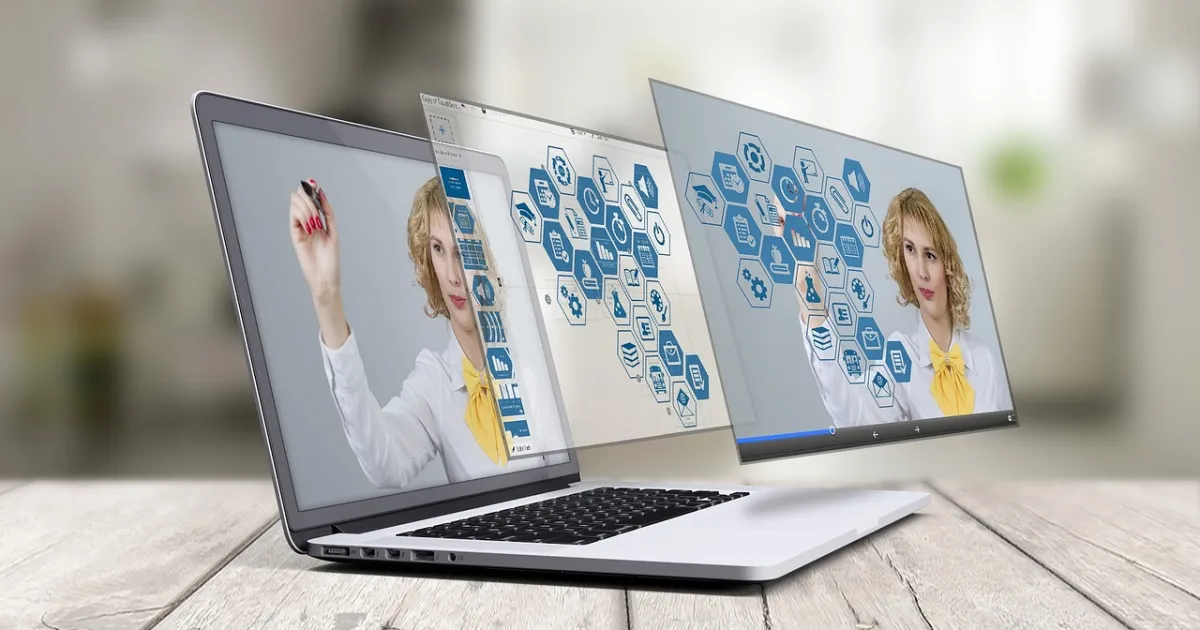
An AI avatar video generator turns a written script into a video of a digital presenter speaking it, with lip-sync, gestures and a synthetic or cloned voice. For faceless channels, explainers and multilingual content, avatars can replace filming. They also have clear limits.
Stock vs custom avatars
| Stock avatar | Custom avatar | |
|---|---|---|
| Who | A ready-made presenter from the tool's library | A digital twin of you, made from your footage |
| Setup | Instant | Record a few minutes of training video |
| Consent | Licensed by the tool | Reputable tools require consent from the person shown |
| Uniqueness | Other channels may use the same face | Unique to you |
Never create an avatar of someone else without his or her explicit permission. Reputable platforms ask for a consent recording for exactly this reason.
Where avatars work
- Explainers, tutorials and training videos.
- Translating one video into several languages.
- News-style summaries and product walkthroughs.
- Creators who want a consistent presenter without filming daily.
Where they struggle
- Entertainment that relies on personality, humor and real reactions.
- Emotional storytelling: viewers notice stiffness.
- Long takes of a static avatar: break them up with B-roll, text and screen recordings.
Workflow
- Write a conversational script; avatars read exactly what you type. See how to write a video script.
- Choose or create the avatar and voice; match the voice to the face.
- Generate, then check pronunciation of names and numbers and fix it with phonetic spelling.
- Edit: cut between the avatar, B-roll and on-screen text every few seconds.
- Export 9:16 for Shorts, Reels and TikTok or 16:9 for YouTube.
Disclosure and trust
Platforms such as YouTube and TikTok expect realistic AI-generated or altered content to be disclosed, and monetized channels need to add genuine value rather than mass-produce near-identical uploads.
Be open about using an avatar; audiences forgive AI presenters far more readily than they forgive being misled. For other AI tools, see how to choose an AI video generator.
FAQ
What is an AI avatar video generator?
A tool that turns a script into a video of a digital presenter speaking it, with lip-sync and a synthetic or cloned voice.
Can I make an AI avatar of myself?
Yes. Many tools create a custom avatar from a few minutes of your footage, usually with a consent recording.
Can I make an avatar of another person?
Only with that person’s explicit permission; reputable tools require consent.
 Tools
 Tools
 Tools