AI Music Video Generators: How to Make a Music Video With AI
AI can turn a track into a visualizer, a lyric video or a full narrative clip. The types of AI music video tools, a workflow that keeps visuals on the beat, and the rights questions to settle first.
An AI music video generator creates visuals for a song: abstract animation that pulses with the beat, a lyric video, or a sequence of generated shots that tells a story. We have not lab-tested every tool, so instead of a ranking, here is how the main types differ and a workflow that works with any of them.
Types of AI music video tools
| Type | What you get | Best for |
|---|---|---|
| Audio-reactive animation | Visuals that morph with beats and frequencies | Electronic music, visualizers, Spotify Canvas-style loops |
| Text- or image-to-video shots | Short generated clips you edit into a story | Narrative or cinematic videos |
| Lyric video tools | Animated typography synced to the words | Quick releases, singalong content |
| Avatar and lip-sync tools | A character performing the vocals | Animated performers, virtual artists |
| Template editors | Beat-matched templates with stock and AI footage | Fast promo clips for social media |
Workflow
- Settle the rights first: use your own track or one you have a license to use in a video.
- Map the song: mark intro, verses, chorus, drops and the tempo (BPM).
- Write a visual concept and storyboard: one look per section, a color palette, a recurring character or object.
- Generate shots section by section with consistent prompts and reference images; see AI image to video.
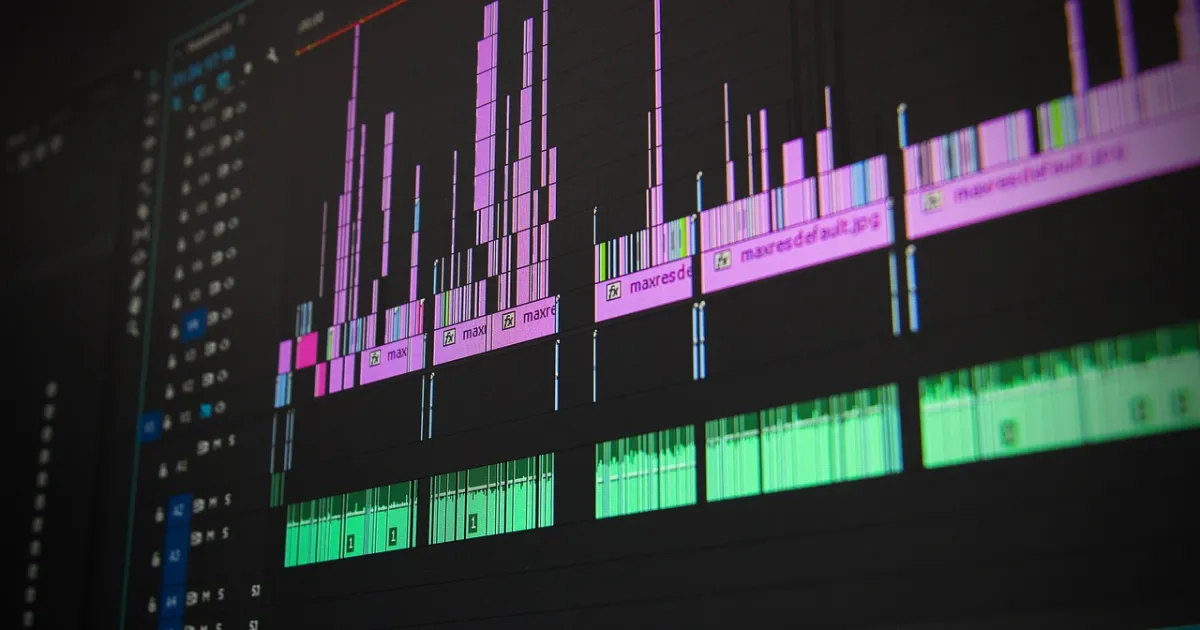
- Cut on the beat: in an editor, place cuts on beats and bigger changes on bar or section starts.
- Add lyrics or captions if the format calls for it.
- Export versions: 16:9 for YouTube, 9:16 cutdowns of the chorus for Shorts, Reels and TikTok.
Getting better results
- Consistency: reuse the same character reference, style words and color palette in every prompt.
- Shorter clips, more cuts: AI clips look best in short bursts.
- Mix AI with real footage, such as a performance shot on a phone.
- Leave room for the song: visuals should support the music, not compete with it.
Rights and labeling
- Check that your plan allows commercial use of the generated visuals.
- Do not generate the likeness of real artists or celebrities without permission.
- Distributors and platforms may ask whether music or visuals are AI-generated; answer honestly.
Platforms such as YouTube and TikTok expect realistic AI-generated or altered content to be disclosed, and monetized channels need to add genuine value rather than mass-produce near-identical uploads.
Choosing tools for the visuals? See how to choose an AI video generator.
FAQ
Can AI make a music video from a song?
Yes. Some tools generate audio-reactive visuals from the track itself; others create shots you edit to the music.
How do I sync AI visuals to the beat?
Find the tempo, mark the song sections and place cuts on beats in an editor; some tools sync automatically.
Do I need permission to use a song in an AI music video?
Yes, unless it is your own music. You need a license that covers use in video.
 Tools
 Tools
 Tools
 Tools